
Google Veo 3.1 AI Video Generator
Veo 3.1 is the next evolution of Google’s Veo 3 model, now available on Topvid.ai. Seamlessly combine multiple elements in a single video, extend existing clips, or generate videos from start and end images — all while maintaining cinematic audiovisual quality. Experience powerful AI video creation with Veo 3.1 today.
 Veo 3.1
Upload Image
Upload JPG/PNG images up to 10MB with minimum dimensions of 300px.
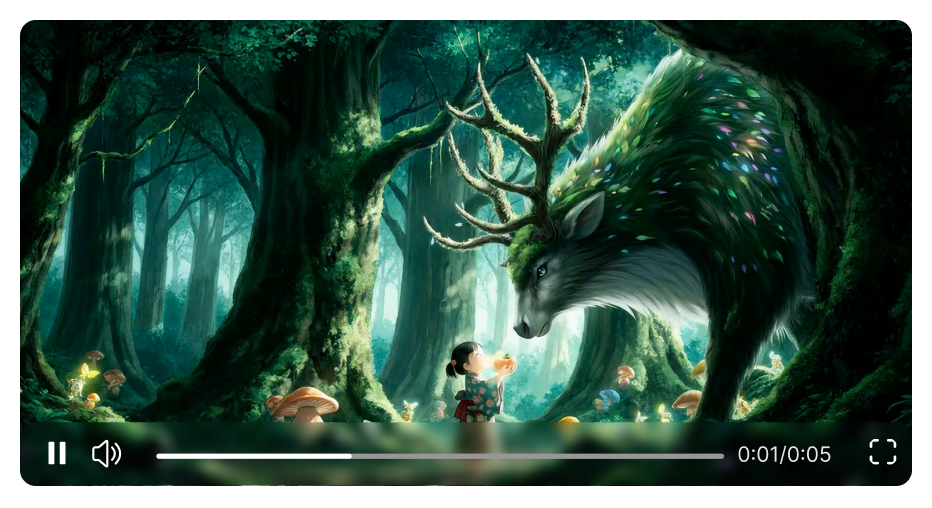
See Veo 3.1 in Action: Cinematic AI Videos
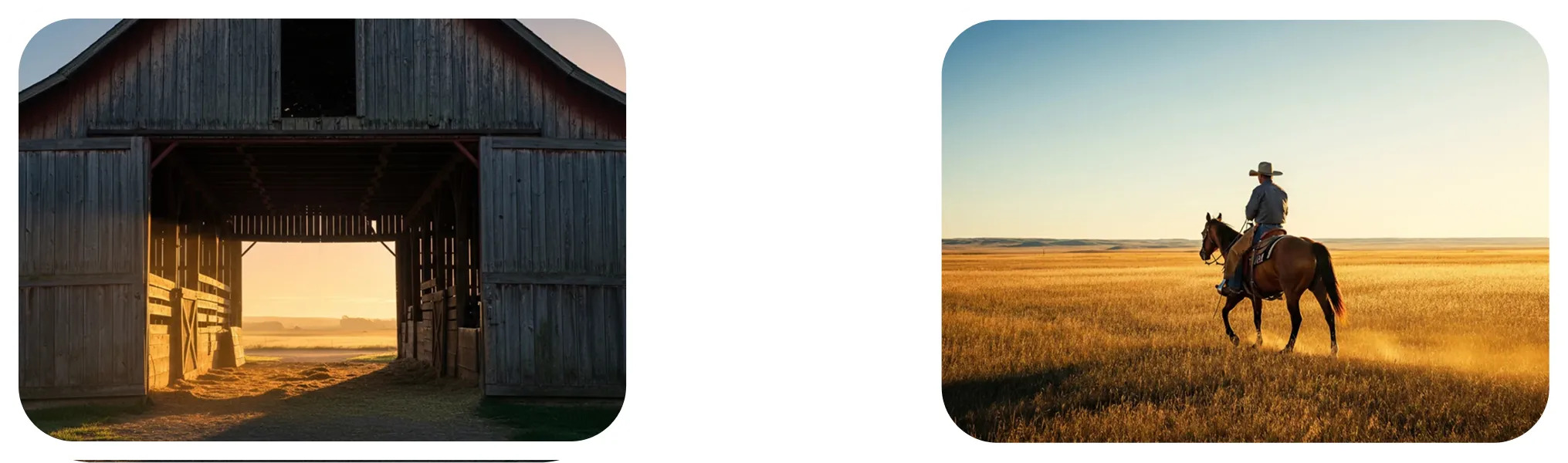
Consistent Characters Across Scenes
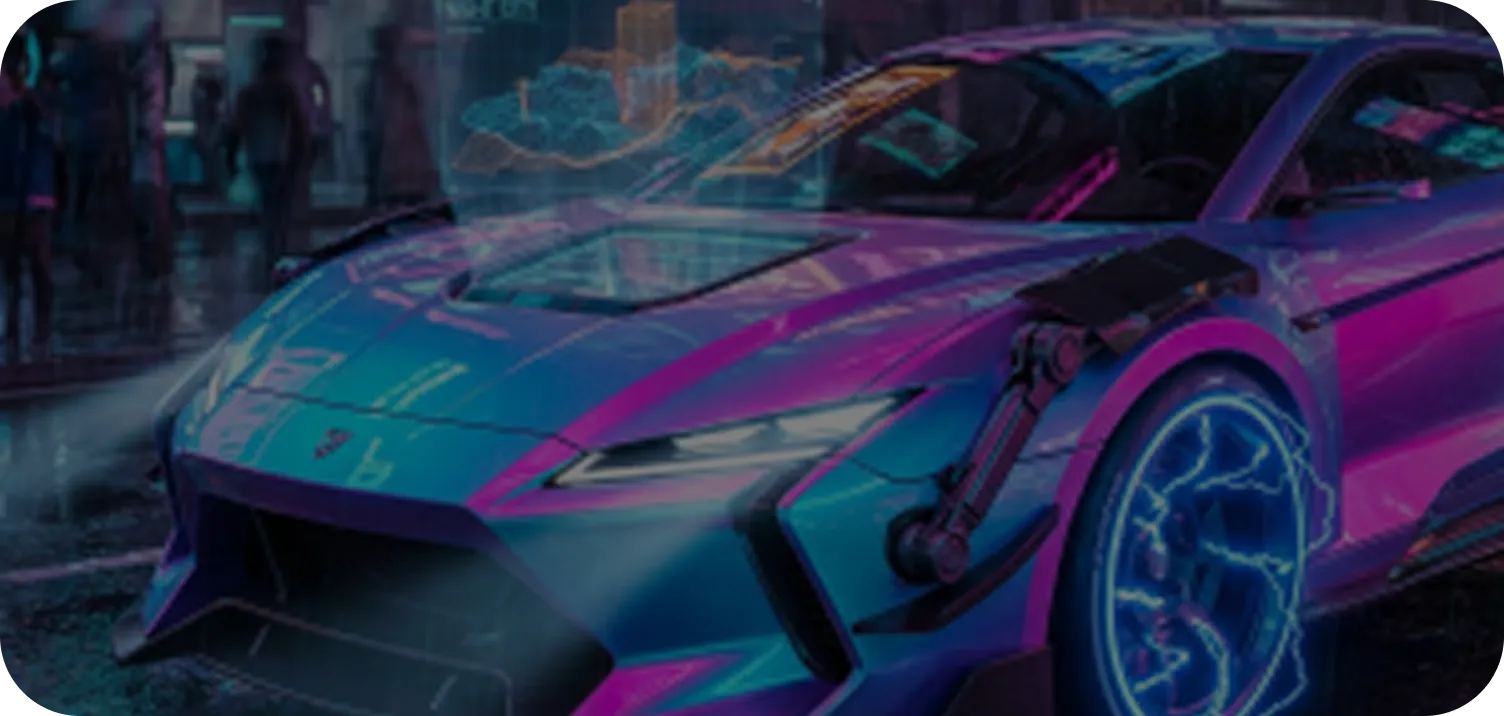
Veo 3.1 maintains consistent characters, objects, and environments across multiple shots, ensuring long-form videos stay coherent and visually seamless throughout every scene.

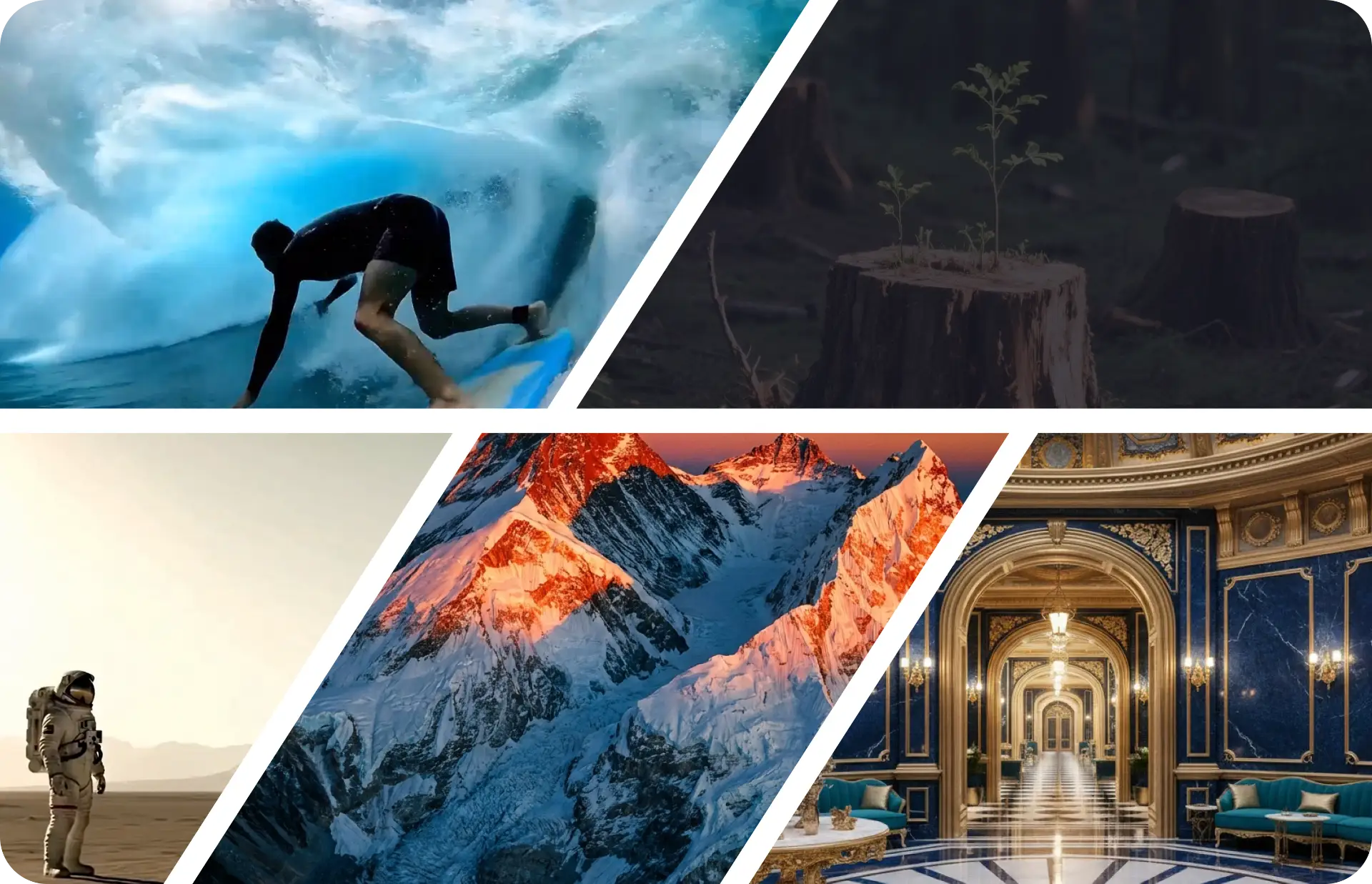
High Realism & Physics Accuracy
Experience lifelike motion, accurate physics, realistic lighting, detailed textures, and natural simulations. Veo 3.1 delivers cinematic-quality visuals that feel grounded and immersive.
Dolphins leaping from ocean at sunset, golden hour light on water splashes, wildlife photo, detailed, dramatic.
Strong Prompt Alignment
Veo 3.1 interprets complex prompts with precision, accurately following creative instructions, styles, and scene requirements, giving you full control over your video output.
in the style of a japanese anime, a jubilant scene under a limitless bright sky brimming with clouds and sparkling stars...
Text / Image / Video-Based Creation
Generate videos from text, images, or existing clips. Extend videos, insert objects, and edit scenes seamlessly, enabling versatile workflows and creative flexibility.

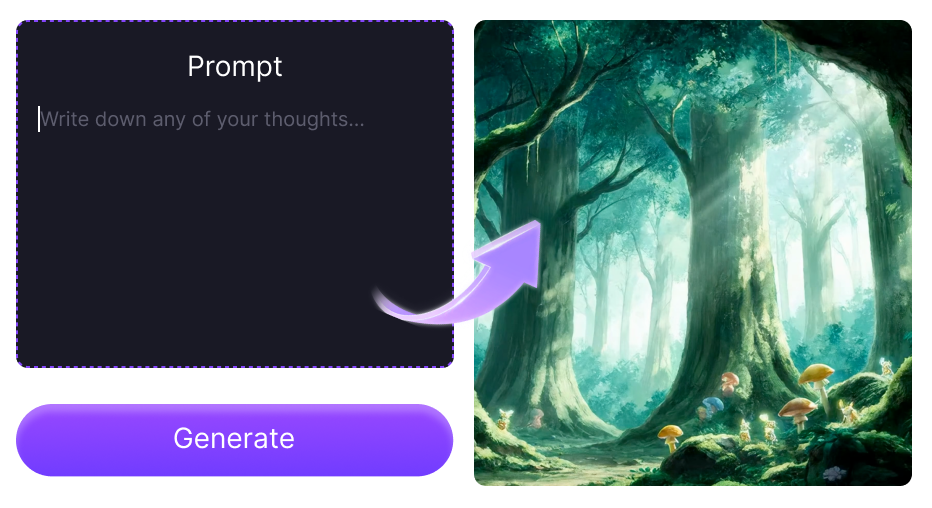
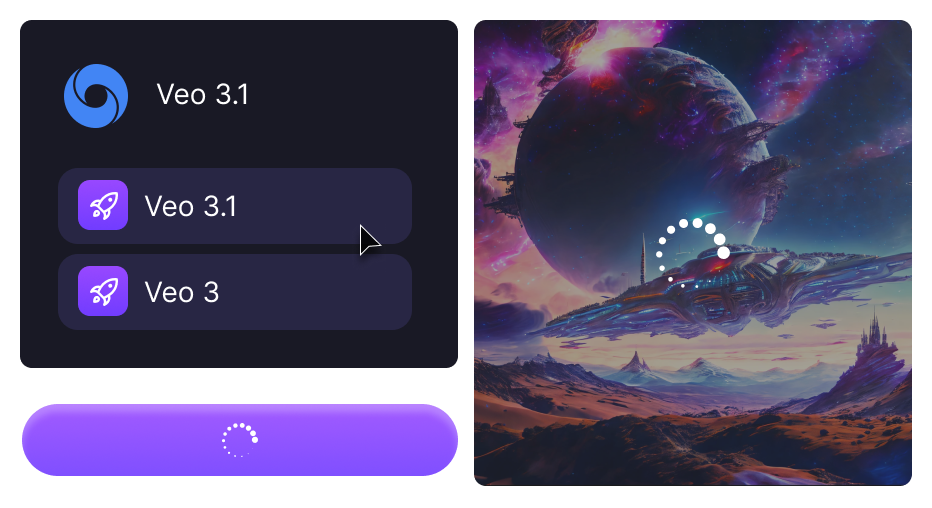
How to Use the Veo 3.1 Model on Topvid
YouTube Videos About Google Veo 3.1
Reddit Discussions About Reviews on Google Veo 3.1
Frequently Asked Questions
What is Google Veo 3.1?
Google Veo 3.1 is an advanced version of the Veo 3 AI video model, now available on Topvid.ai. It offers precise control over first and last frames, style matching with reference images, and improved prompt interpretation, while maintaining high-quality audio and consistent characters.
How is Veo 3.1 different from Veo 3?
Does Veo 3.1 support audio creation?
What is the "First & Last Frame" feature?
How does the image reference function work?
Is Veo 3.1 suitable for professional video production?
Ready to Create with Veo 3.1?
Step beyond the limits of AI video generation — produce cinematic, fully controllable, and high-fidelity videos with Veo 3.1 on Topvid.ai.
Start creating instantly, no learning curve needed.